
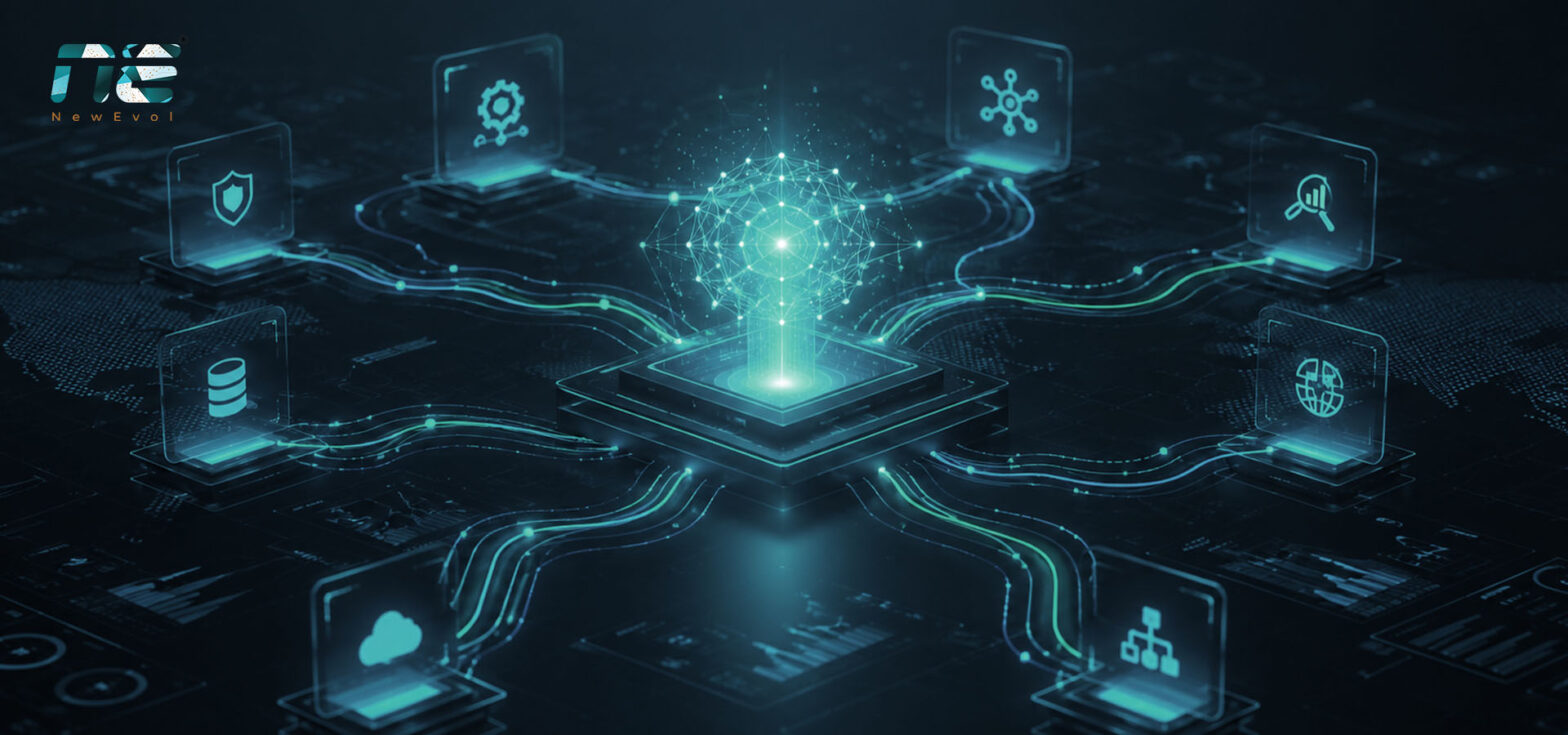
Businesses across the United States are running more software than ever before. A single task, like onboarding a new customer, might touch a CRM, an email platform, a billing system, a support desk, and three other apps before it’s done. When people have to move data between all these tools by hand, things get slow, mistakes creep in, and teams burn out.
This is exactly the problem that intelligent workflow orchestration was built to solve. By connecting your tools and letting artificial intelligence coordinate the steps, you can turn messy, manual processes into smooth, automatic ones. In this guide, we’ll break down how intelligent orchestration AI systems work, why they matter for American companies, and how a platform like NewEvol helps you automate complex, multi-tool workflows at scale.
What Is Intelligent Workflow Orchestration?
Think of an orchestra. You have dozens of musicians, each playing a different instrument. Without a conductor, you’d get noise. With a conductor, you get music. Intelligent workflow orchestration is the conductor for your business software.
In simple terms, it’s the practice of using AI to coordinate many different tools and tasks so they work together as one. Instead of a person clicking through five apps to complete a job, the system decides what happens next, moves the right information to the right place, and handles the hand-offs automatically.
The word “intelligent” matters here. Older automation followed rigid, if-this-then-that rules. If anything unexpected happened, the whole process broke. Modern enterprise automation AI systems are smarter. They can read messy data, make judgment calls, adapt when conditions change, and even learn from past runs to get better over time.
Why Multi-Tool Workflow Automation Matters Now
The average U.S. enterprise uses well over a hundred software applications. That number keeps climbing as teams adopt new tools for marketing, sales, finance, HR, and operations. Each app is useful on its own, but the gaps between them create real pain.
Here’s what those gaps cost companies every day:
- Wasted time. Employees spend hours copying and pasting information between systems that don’t talk to each other.
- Human error. Manual data entry leads to typos, missed steps, and duplicate records.
- Slow response times. Customers wait longer when tasks get stuck in a queue between departments.
- Poor visibility. Leaders can’t see where work is bottlenecked because it’s scattered across too many tools.
Multi-tool workflow automation closes these gaps. It creates a single, connected flow across all your apps, so information moves instantly and tasks complete without anyone babysitting them. For growing American businesses, this isn’t a luxury anymore, it’s how you stay competitive.
How Intelligent Orchestration AI Systems Actually Work
You don’t need to be a developer to understand the basics. Intelligent orchestration usually follows four key stages.
1. Connect. First, the platform links to all your tools through pre-built integrations or APIs. This includes your CRM, email, databases, cloud storage, ticketing systems, and more. Once connected, the system can read and write data across every app.
2. Design. Next, you map out the workflow. This might be as simple as “when a lead fills out a form, add them to the CRM, send a welcome email, and notify the sales rep.” Modern platforms use visual, drag-and-drop builders so business teams can design these flows without writing code.
3. Orchestrate. This is where the AI shines. The system runs the workflow, decides the order of steps, handles data transformations, and manages the timing. If a step depends on another finishing first, the orchestrator waits. If something can run in parallel, it runs at the same time to save minutes or hours.
4. Adapt and improve. Good enterprise automation AI systems don’t just run and forget. They monitor every workflow, flag errors, retry failed steps, and surface insights about what’s working. Over time, the AI spots patterns and suggests ways to make your processes faster and cheaper.
The Business Benefits of Orchestration at Scale
When you automate complex workflows across many tools, the payoff shows up quickly and grows over time.
Speed. Tasks that once took days now finish in minutes. A loan approval, an invoice, or a support ticket can move through every required system without waiting on a human hand-off.
Accuracy. Machines don’t fat-finger a number or forget a step. Clean, consistent data flows through your entire operation.
Scalability. Handling ten orders a day and ten thousand a day should feel the same to your team. Orchestration lets you grow volume without hiring an army of people to keep up.
Cost savings. By reducing manual labor and errors, companies free up staff to focus on higher-value work instead of repetitive busywork.
Better customer experience. Faster responses and fewer mistakes mean happier customers, which drives loyalty and revenue.
How NewEvol Powers Intelligent Orchestration
NewEvol is built to make intelligent workflow orchestration practical for real businesses, not just tech giants. The platform brings your entire software stack together in one place and lets AI do the heavy lifting.
With NewEvol, teams can connect hundreds of tools, design workflows visually, and let the system coordinate everything from data collection to final delivery. Because the platform is designed for scale, it handles high volumes without slowing down, and its AI-driven engine adapts as your processes evolve.
For U.S. enterprises dealing with strict compliance, security, and uptime demands, NewEvol focuses on reliability and control. You get full visibility into every workflow, clear audit trails, and the flexibility to adjust processes as your business changes. In short, NewEvol turns complicated, multi-tool operations into simple, automated flows that just work.
Getting Started with Workflow Orchestration
You don’t have to automate everything at once. The smartest approach is to start small and build momentum.
Begin by picking one painful, repetitive process, something that eats up hours and involves several tools. Map out each step, identify the apps involved, and build a simple automated flow. Measure the time and errors you save. Once you see results, expand to the next process, then the next. Before long, orchestration becomes the backbone of how your company operates.
Final Thoughts
As American businesses juggle more tools than ever, intelligent workflow orchestration has become essential for staying fast, accurate, and competitive. By letting AI coordinate your multi-tool workflows, you cut waste, reduce errors, and scale with confidence. Platforms like NewEvol make this power accessible to any organization ready to work smarter. The best time to start automating is now, one workflow at a time.
Frequently Asked Questions
1. What is the difference between automation and orchestration?
Automation handles a single task, like sending an email. Orchestration coordinates many automated tasks across multiple tools so they work together as one complete process.
2. Do I need coding skills to use intelligent orchestration AI systems?
No. Most modern platforms, including NewEvol, offer visual, drag-and-drop builders so business users can create workflows without writing code.
3. Is multi-tool workflow automation secure for enterprise use?
Yes. Leading enterprise automation AI systems include strong security, access controls, and audit trails to meet the compliance needs of U.S. companies.
4. How quickly can I see results?
Many teams see time savings within the first few automated workflows, often in days rather than months.
5. Can orchestration scale as my business grows?
Absolutely. Intelligent workflow orchestration is designed to handle rising volumes without extra manual effort, making it ideal for fast-growing organizations.