
At 9:12 a.m., a monitoring tool flags a login to a finance user’s account from an unfamiliar country. The alert sits in a shared queue until an analyst opens it at 9:40. She spends the next 35 minutes pulling sign-in logs, checking the user’s laptop, and finding out who owns the finance systems. At 10:20 she asks a manager for approval to suspend the account. The manager is in a meeting until 11:00.
Very little of that two-hour delay was technical work. Most of it was waiting: for someone to notice the alert, for someone to own it, for enough context to judge it, and for someone with authority to approve action.
SOAR playbooks can remove some of that waiting. Some of it, though, comes from organizational decisions that no tool can make on your behalf.
What Is an Automated SOAR Playbook?
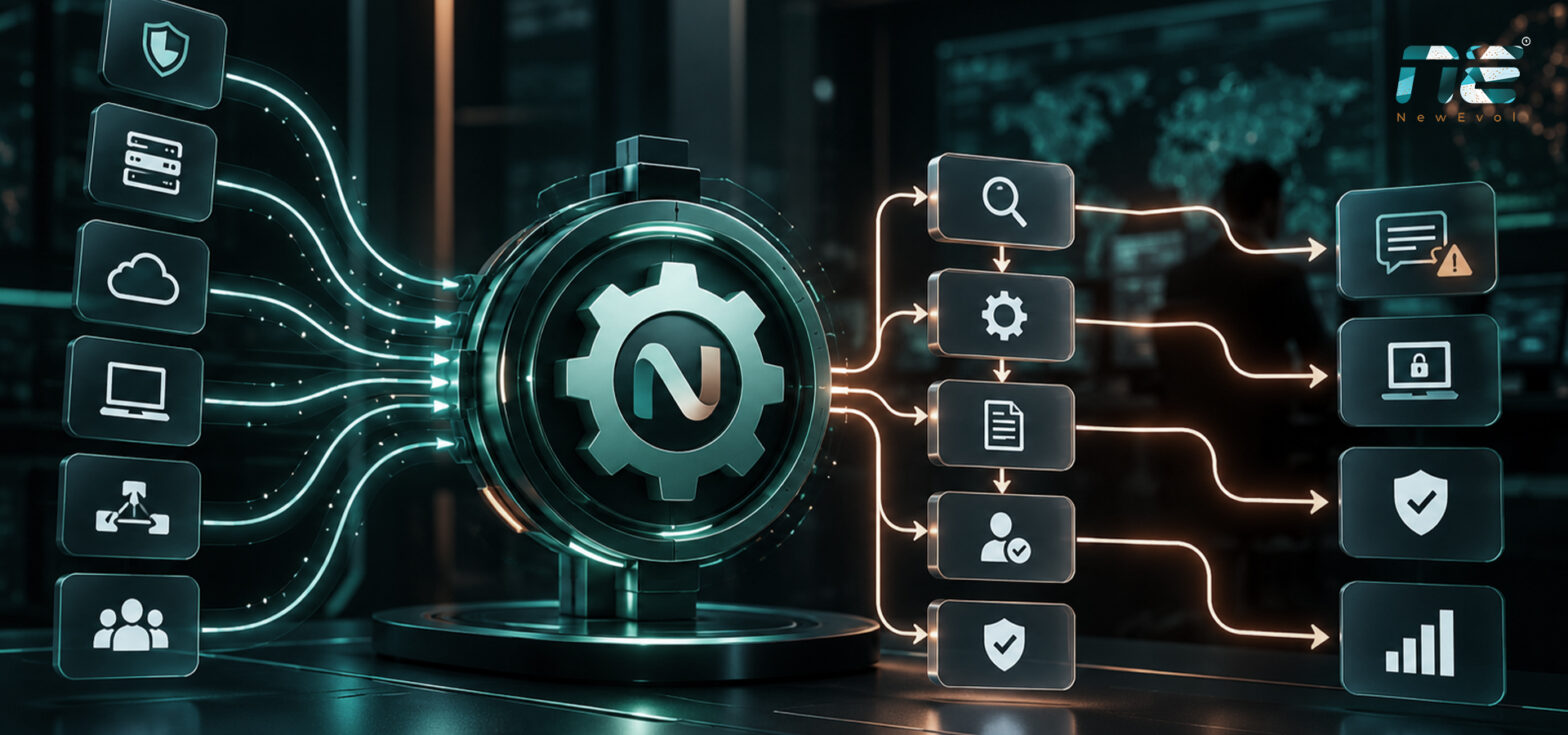
Security orchestration, automation and response (SOAR) connects security tools, automates repeatable tasks, and coordinates incident response workflows. A playbook is a defined sequence of actions triggered by a specific alert or event. Typical steps include:
- Receiving and classifying security alerts
- Collecting information from endpoint, identity, network, and threat intelligence tools
- Enriching alerts with additional context
- Checking events against known indicators or suspicious patterns
- Assigning incidents to the right team and notifying owners
- Executing approved containment actions
- Recording actions and updating incident records
Take a suspicious login alert. A playbook can pull the user’s recent sign-in history, check activity on their devices, add threat intelligence on the source IP address, and route the enriched case to the analyst on duty.
Good playbooks run within defined conditions, permissions, and safeguards. They handle the predictable steps so people can focus on decisions that need judgment.
The Four Stages Where Incident Response Time Is Lost
Breaking the response timeline into four intervals shows where delays come from and which ones automation can touch.
1. Detection to Notification
This is the gap between identifying a potentially malicious event and getting the alert to the right person or system. Playbooks can automate alert forwarding, normalization, prioritization, and notifications. They cannot fix delayed log ingestion, broken integrations, or poorly tuned detection. If the monitoring system never detects an event, no playbook will respond to it.
2. Notification to Ownership
Alerts often sit unattended because nobody is clearly responsible for them. Automation can create tickets, assign cases by severity, asset, or business unit, track acknowledgement, and escalate cases that stay unclaimed. Routing only works when ownership rules are current and teams know their responsibilities.
3. Ownership to Investigation Context
Analysts frequently spend much of their time collecting information from separate tools before they can judge severity. A playbook can gather this automatically:
- User and authentication history
- Endpoint and device details
- Related alerts and recent activity
- Threat intelligence on indicators
- Relevant network connections
- Previous incidents involving the same user, system, or indicator
Alert enrichment gives analysts a fuller starting point. Its value depends on data availability, integration reliability, and the accuracy of what is collected.
4. Investigation Context to Approval for Action
Even with evidence in hand, containment can stall while the analyst seeks permission from a manager, system owner, or incident commander. Playbooks can isolate an endpoint, disable an account, or block an indicator automatically when pre-approved conditions are met. Actions that need business judgment still wait for a person.
This is the central distinction. Automation accelerates technical work, but it cannot resolve unclear authority, conflicting responsibilities, or an unavailable decision-maker.
Which Delays Can Playbooks Actually Reduce?
|
Response stage |
What automation can do |
What still needs attention |
|---|---|---|
|
Detection to notification |
Route alerts and trigger notifications automatically |
Detection quality, log delays, and integration health |
|
Notification to ownership |
Assign incidents and escalate unclaimed cases |
Clear responsibility and staffing availability |
|
Ownership to context |
Gather evidence and enrich incidents across tools |
Data quality, missing integrations, and analyst judgment |
|
Context to approval |
Execute actions covered by approved policies |
Decision authority, risk acceptance, and human approval requirements |
The largest gains usually come from removing repetitive manual tasks and idle time between systems. How much you gain depends on your current workflow. A team with efficient alert routing will see little benefit from automating that stage, while a team that copies evidence by hand from five consoles may see a great deal.
A Practical Example of SOAR Automation in Incident Response
Consider a potentially compromised employee account.
Before automation
- An identity monitoring tool raises an alert.
- An analyst manually reviews the notification.
- The analyst searches authentication logs and endpoint records.
- The incident is assigned to the appropriate team.
- A manager is contacted for approval to suspend the account.
- The analyst or IT team carries out the approved action.
- The incident record is updated by hand.
With a playbook
- The alert arrives and an incident record is created.
- The event is enriched with identity, endpoint, and authentication data.
- Predefined checks set severity and routing.
- The incident is assigned and the responsible analyst notified.
- Pre-approved actions run when their conditions are met.
- Human approval is requested when an action falls outside policy.
- Actions, timestamps, and outcomes are recorded automatically.
The playbook version removes manual handoffs and repetitive searching. How much time it saves depends on where your delays sit today, and step 6 still depends on a reachable approver.
Why Automation Cannot Fix an Unclear Response Process
Deploying playbooks before settling responsibilities produces faster activity without faster resolution. Common organizational gaps include:
- No clear incident owner
- Conflicting escalation paths
- Unavailable managers or system owners
- Unclear authority to isolate devices or suspend accounts
- Inconsistent severity definitions
- Missing approval thresholds
- Outdated contact lists
- Disagreement over who owns remediation
Picture a playbook that assembles every relevant piece of evidence within seconds of an alert. The case is complete, but nobody on shift has authority to suspend the account, so it waits until morning.
Define ownership, escalation rules, decision rights, and pre-approved response actions before you automate. Process design and governance are part of the SOAR implementation, not a separate project.
How to Measure Current Response Time Before Automating
A baseline tells you which playbooks to build first and whether they work. Record timestamps for:
- Initial event detection
- Alert creation and notification
- Incident assignment
- First analyst review
- Completion of initial context gathering
- Approval request and approval decision
- First response action
- Containment, where applicable
Subtract consecutive timestamps to get the duration of each interval, then see where the time goes. Use a representative sample of incidents across types and severities, not one unusual case. Track:
- Median and 90th-percentile duration for each stage
- Time waiting for assignment
- Time spent collecting evidence manually
- Approval delays
- Automation failures and manual workarounds
- False positives and unnecessary escalations
- Share of incidents needing human intervention
Compare like with like across incident types and severity levels. Define exactly what counts as a response action, because acknowledgement, investigation, containment, and resolution are different milestones.
The Risks and Limits of SOAR Playbooks
Automated security operations introduce their own failure modes:
- False positives triggering unnecessary actions
- Incorrect or outdated playbook logic
- Integration failures between tools
- Excessive permissions on automation accounts
- Automated actions disrupting legitimate business activity
- Incomplete investigation context
- Playbooks that fail silently or stop midway
- Overreliance on automation without human review
Practical safeguards include testing in controlled environments, approval gates for high-impact actions, least-privilege access, logging every automated action, alerting on workflow failures, and regular playbook reviews. The aim is consistent, accountable incident handling, not speed at any cost.
How to Introduce SOAR Automation Effectively
- Map the existing incident response workflow.
- Measure delays at each stage.
- Identify repetitive, high-volume tasks.
- Prioritize use cases with clear rules and measurable outcomes.
- Define ownership and escalation authority.
- Establish pre-approved actions and human approval requirements.
- Test integrations and playbooks before production deployment.
- Monitor performance, failures, and unintended consequences.
- Review results against the original baseline.
- Refine workflows as tools, threats, and responsibilities change.
Many of the timestamps your baseline needs already live in your monitoring stack. If you run a SIEM platform such as NewEvol, start by checking which detection, alert, and case timestamps it records and how they map to the four intervals above.
Conclusion: Faster Incident Response Starts With Better Workflows
Playbooks cut response time when they remove specific, measurable delays in alert routing, evidence collection, and authorized response actions. Bottlenecks rooted in unclear ownership and approval authority need process changes, not more automation.
Baseline your current timeline, find the largest sources of delay, and automate the suitable tasks with proper controls. Measure where the time goes before deciding what to automate.
Frequently Asked Questions
What is a SOAR playbook?
A SOAR playbook is a predefined workflow that runs when a specific alert or event occurs. It can classify the alert, gather context from connected tools, assign the case, notify the owner, and execute approved actions, while recording each step for review.
How do SOAR playbooks reduce incident response time?
They remove manual, repetitive work and idle time between systems. Playbooks route alerts instantly, enrich cases with evidence analysts would otherwise collect by hand, escalate unclaimed incidents, and run pre-approved containment actions. They do not shorten delays caused by unclear ownership or unavailable approvers.
Can SOAR automation eliminate the need for security analysts?
No. Automation handles predictable, rule-based tasks, but analysts still interpret ambiguous evidence, judge business impact, handle novel attacks, and decide on actions outside approved policy. In practice, automation shifts analyst time from collecting information to making decisions.
Why can incident response remain slow even after SOAR implementation?
Many delays are organizational. If nobody owns an incident, escalation paths conflict, or no one on shift can approve containment, cases still wait. Poor detection quality, missing integrations, and silently failing playbooks can also limit any improvement.
Which incident response actions should require human approval?
Actions with significant business impact usually need a person to approve them. Examples include disabling executive or service accounts, isolating production servers, and blocking widely used domains. Lower-risk, well-understood actions can be pre-approved under defined conditions, with every automated action logged.
What should organizations automate first when implementing SOAR?
Start where your baseline shows the most avoidable waiting, typically high-volume alert enrichment and routing with clear rules. These tasks are repetitive, low risk, and easy to measure. Leave high-impact containment for later, once ownership and approval rules are settled.