
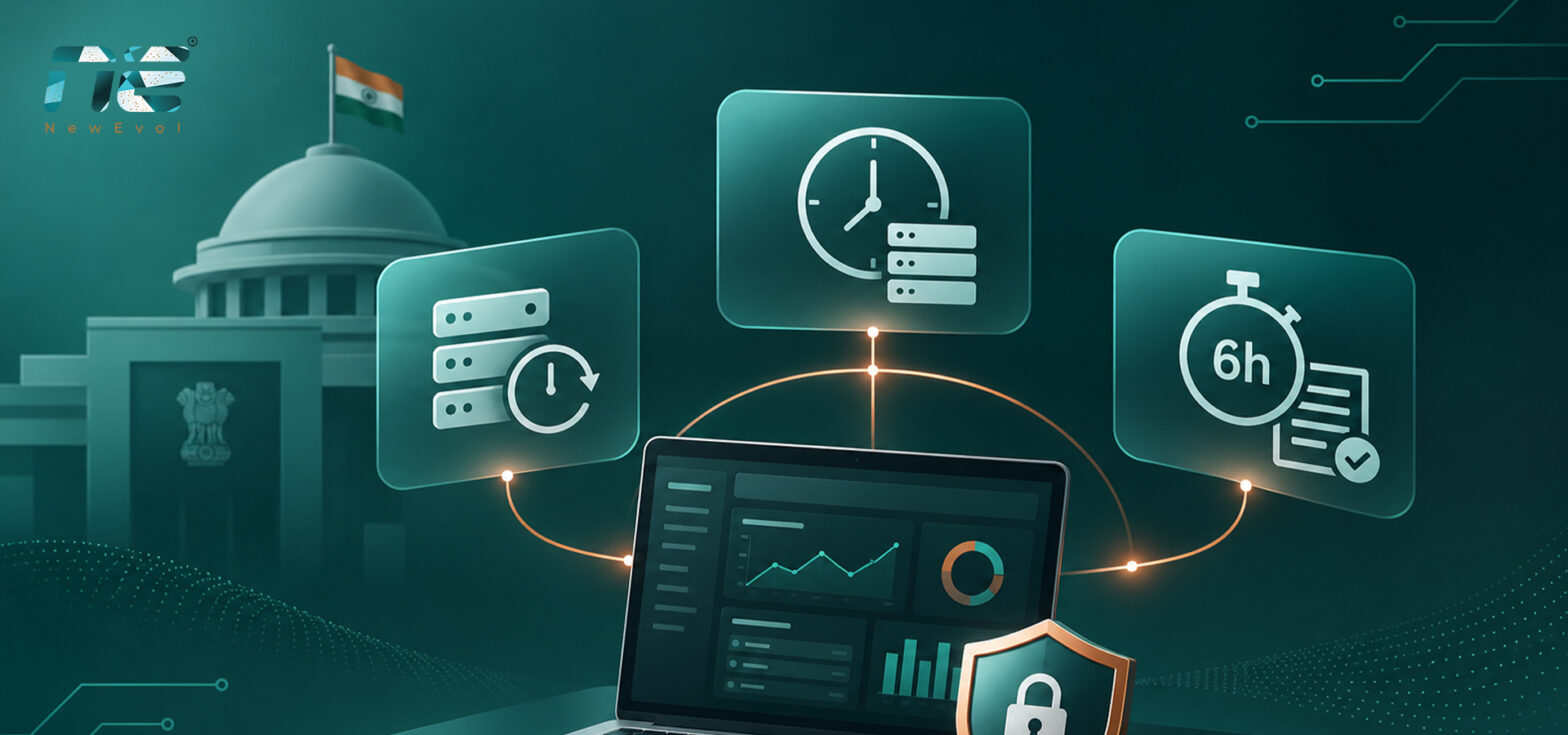
CERT-In’s Cyber Security Directions of 28 April 2022 ask organizations in India to do three things that security teams feel every day: keep ICT system logs for a rolling 180 days, synchronize system clocks with approved time sources, and report specified cybersecurity incidents within six hours of noticing them.
Each requirement sounds simple on paper. In practice, all three depend on whether logs from firewalls, servers, endpoints and cloud workloads land in one place, whether their timestamps agree, and whether an alert reaches the right person fast enough to start a report.
This is where Security Information and Event Management (SIEM) earns its place. A SIEM collects and correlates security events across systems, giving teams the visibility, timelines and evidence these directions call for. This guide walks through each requirement, explains what SIEM can and cannot do for it, and ends with a readiness checklist your team can work through.
What the CERT-In Directions Require
The Indian Computer Emergency Response Team (CERT-In) is India’s national agency for cybersecurity incident response, set up under Section 70B of the Information Technology Act, 2000. On 28 April 2022, it issued Cyber Security Directions under Section 70B(6). They apply to service providers, intermediaries, data centres, body corporates and government organizations.
The requirements that matter most for security monitoring are:
- Enable logs of ICT systems and keep them securely for a rolling 180 days.
- Synchronize ICT system clocks with NTP servers run by NIC or NPL, or with sources traceable to them.
- Report specified cybersecurity incidents to CERT-In within six hours of noticing them or being told about them.
- Designate a Point of Contact (PoC) for communication with CERT-In.
CERT-In published FAQs in May 2022 that clarify how several of these apply. Read the directions and the FAQs together, and confirm which obligations apply to your organization before planning the work.
The 180-Day Log Retention Requirement
Breaches are rarely spotted on the day they start. An attacker can sit inside a network for weeks before anything looks wrong, and by then the trail of how they got in lives in old logs. A rolling 180-day window gives investigators enough history to answer when access began, which systems were touched, and what the attacker did.
What SIEM contributes
A SIEM pulls events from across the environment into one searchable store. Typical sources include firewalls and intrusion prevention systems, Windows and Linux servers, endpoint detection and response tools, web and application servers, database and email servers, VPN and proxy systems, cloud workloads, network devices and identity systems.
With everything in one place, analysts can search months of activity in a single query instead of logging into a dozen consoles. Correlation across sources also makes it far easier to trace how an attacker moved through the network.
What SIEM does not do on its own
Collection is not retention. Teams still need to set retention policies, plan storage for 180 days of log volume, control who can access the logs, back them up, and test that older records can actually be retrieved. A log that was collected but rolled off after 30 days does not meet the requirement.
Where logs can be stored
The 28 April 2022 directions say logs should be maintained within Indian jurisdiction. CERT-In’s May 2022 FAQs clarify that logs may also be stored outside India, as long as the organization can produce them to CERT-In within a reasonable time. Check your storage setup against both documents rather than assuming any cloud deployment meets the requirement by default.
Why NTP Time Synchronization Matters
An investigation is only as good as its timeline. Suppose a firewall logs suspicious traffic at 10:05 AM, an endpoint flags malicious activity at 10:12 AM, and the authentication server records an unusual login at 9:58 AM. If those clocks drift by even a few minutes, the order of events can flip, and analysts may reach the wrong conclusion about how the attacker got in.
CERT-In directs entities to synchronize ICT system clocks with Network Time Protocol (NTP) servers run by the National Informatics Centre (NIC) or the National Physical Laboratory (NPL), or with servers traceable to them. Organizations spread across several geographies may use other accurate and standard time sources, provided these do not deviate from NIC and NPL.
What SIEM contributes
A SIEM normalizes timestamps from different sources so that events line up on one timeline. This supports matching logins to network activity, reconstructing attack sequences and producing cleaner incident records.
What SIEM does not do on its own
A SIEM cannot correct a clock that is wrong at the source. Administrators still need to configure NTP across servers, network devices and endpoints, watch for sync failures, and keep time-zone information with every record. A SIEM rule that flags clock drift or NTP failures is a useful safety net, but the configuration itself belongs to infrastructure teams.
The Six-Hour Incident Reporting Window
Under the directions, specified cybersecurity incidents must be reported to CERT-In within six hours of noticing them or being brought to notice about them. Six hours is tight, and much of it can disappear while an alert sits unassigned in a queue.
Which incidents count
Annexure I of the directions lists the reportable incident types. Examples include:
- Targeted scanning or probing of critical networks and systems
- Compromise of critical systems or information
- Unauthorized access to IT systems or data
- Website defacement or intrusion
- Malicious code attacks, including ransomware
- Attacks on servers such as database, mail and DNS
- Identity theft, spoofing and phishing
- Denial-of-service and distributed denial-of-service attacks
- Data breaches and data leaks
Not every alert is a reportable incident. Assess each case against Annexure I and the FAQs, and decide in advance who makes that call.
How SIEM shortens the path to a report
Picture a run of failed logins, then a successful login from an unusual location, then bulk access to a sensitive database. Each event on its own may look routine. A SIEM correlation rule can tie them together and raise a single alert within minutes.
From there, the team can:
- Review the alert and the events behind it.
- Identify affected users, systems and applications.
- Assess the nature and likely impact of the incident.
- Escalate to the incident response lead and the PoC.
- Pull the relevant logs as evidence.
- Prepare and submit the initial report.
CERT-In’s FAQs clarify that organizations can report the information available within six hours and share further details later, within a reasonable time. So an initial report should not wait for the full picture.
Mapping CERT-In Requirements to SIEM Capabilities and Evidence
Each requirement needs a SIEM capability behind it and evidence you can show an auditor or CERT-In when asked.
|
CERT-In requirement |
Relevant SIEM capability |
Supporting evidence |
|---|---|---|
|
180-day log retention |
Centralized log collection and retention policies |
Historical logs and retention configuration |
|
Log availability |
Searchable log repository |
Log retrieval records |
|
Storage jurisdiction |
Storage-location controls and deployment planning |
Infrastructure and storage records |
|
NTP synchronization |
Timestamp normalization and event correlation |
NTP configuration and sync records |
|
Six-hour reporting |
Real-time alerts and incident escalation |
Alert timestamps and incident timelines |
|
Incident investigation |
Event correlation and threat analysis |
Investigation reports and audit trails |
|
Incident documentation |
Incident management and reporting workflows |
Incident records and response documentation |
The middle column only delivers when the infrastructure settings, policies and procedures around it are in place.
Common Gaps Organizations Run Into
Even teams with mature security tooling tend to stumble in the same six places.
- Fragmented log sources. Different departments run separate tools, so logs stay scattered across servers, endpoints, firewalls and cloud consoles. Bringing them into one SIEM is usually the first fix.
- Retention that falls short. Logs are collected but roll off early because of storage limits, default settings or sources that were never onboarded. Regular retention reviews and capacity planning catch this before an audit does.
- Clock drift across sites. Systems in different locations use different time settings. A central NTP policy, plus monitoring for sync failures, keeps them aligned.
- Slow escalation. Alerts go unnoticed because nobody owns them. Severity levels, automated alerting and named owners close the gap.
- Hard-to-reach history. Investigators need data from many systems at once. Central search and correlation turn that into a single task.
- No written reporting process. Tools spot the incident, but nobody is sure who investigates, approves and reports it. Document the roles, escalation contacts and reporting steps before you need them.
CERT-In Readiness Checklist
Use this list to review your monitoring environment and spot gaps. Treat it as an operational readiness check, not a formal certification.
Log management
- Enable logging across relevant ICT systems
- Identify critical log sources
- Configure rolling 180-day retention
- Review storage security and availability
- Test retrieval of older logs
- Document where logs are stored
Time synchronization
- Configure NTP using NIC, NPL or traceable time sources
- Verify sync across servers and network devices
- Monitor for sync failures
- Keep timestamps and time-zone information consistent
Incident reporting
- Map which incidents fall under Annexure I
- Write down a six-hour reporting process
- Designate a Point of Contact
- Define internal escalation owners
- Keep incident investigation records
- Keep reporting channels and templates easy to reach
SIEM monitoring
- Integrate relevant log sources
- Configure detection and correlation rules
- Monitor suspicious authentication activity
- Maintain incident timelines
- Review alert handling and escalation
- Test log search and investigation workflows
Where a SIEM Platform Like NewEvol Fits
NewEvol is an AI-powered SIEM platform built for centralized monitoring, event correlation, threat detection and incident investigation. Its capabilities line up with the work these directions create:
- Real-time threat monitoring: watch security events across connected infrastructure and flag suspicious activity.
- Incident investigation and response: bring related events together to support investigation and response workflows.
- Insider threat and user behaviour analytics: spot unusual user activity and risky behaviour.
- Threat hunting: help analysts dig into patterns that may not trigger a standard alert.
- Automated response and orchestration: run defined workflows and cut repetitive manual steps.
- Unified data architecture: bring security data from different sources into one environment.
Together, these support better log visibility, faster detection, investigation readiness and evidence management. Technology alone still cannot guarantee regulatory compliance. Retention policies, time synchronization, reporting roles and documented response procedures have to sit alongside the platform, run by trained people.
Conclusion
CERT-In’s directions come down to three habits: keep reliable records, keep clocks in sync, and report fast. Centralized log management preserves the history, NTP synchronization keeps timelines accurate, and SIEM-based monitoring helps teams find and investigate incidents while the six-hour clock is running.
None of these is a one-time setup. Review logging coverage, retention settings, escalation paths and reporting readiness on a regular cycle. The payoff goes beyond meeting regulatory expectations: the same capabilities give teams better threat visibility and a faster, more confident incident response.
Frequently Asked Questions
1. What is CERT-In compliance?
It means following the cybersecurity directions issued by the Indian Computer Emergency Response Team under Section 70B of the Information Technology Act, 2000. Key requirements cover incident reporting, log retention and system time synchronization.
2. Does CERT-In require logs to be kept for 180 days?
Yes. The 28 April 2022 directions require applicable entities to enable logs of their ICT systems and keep them securely for a rolling 180 days. The FAQs allow logs to be stored outside India, provided they can be produced to CERT-In within a reasonable time.
3. Why does NTP synchronization matter?
It keeps timestamps accurate and consistent across systems. That lets security teams correlate events, build reliable incident timelines and investigate activity across the infrastructure.
4. What is the six-hour reporting rule?
Applicable entities must report specified incidents to CERT-In within six hours of noticing them or being told about them. Available details can be shared first, with more information sent later within a reasonable time.
5. How does SIEM help with CERT-In requirements?
SIEM centralizes logs, correlates events, detects suspicious activity, supports investigations and preserves evidence. How well it helps depends on configuration, retention policies and incident response procedures.
6. Which incidents must be reported to CERT-In?
Annexure I of the directions lists them. Categories include ransomware, unauthorized access, data breaches, phishing, identity theft, website compromise and denial-of-service attacks.
7. Can a SIEM platform guarantee an organization meets CERT-In requirements?
No. SIEM supports monitoring, log management and investigation, but meeting the directions also takes correct infrastructure settings, documented processes, accountable people and timely reporting.